
Sign In
Enter your details to login to your account:
Sign Up
Enter your details to create your account
Forgotten Password ?
Enter your email to reset your password
Sign in
Readability provides additional authentication to validate the user during sign-in.
Sign in
Readability provides additional authentication to validate the user during sign-in.
Enable Two-Step Verification
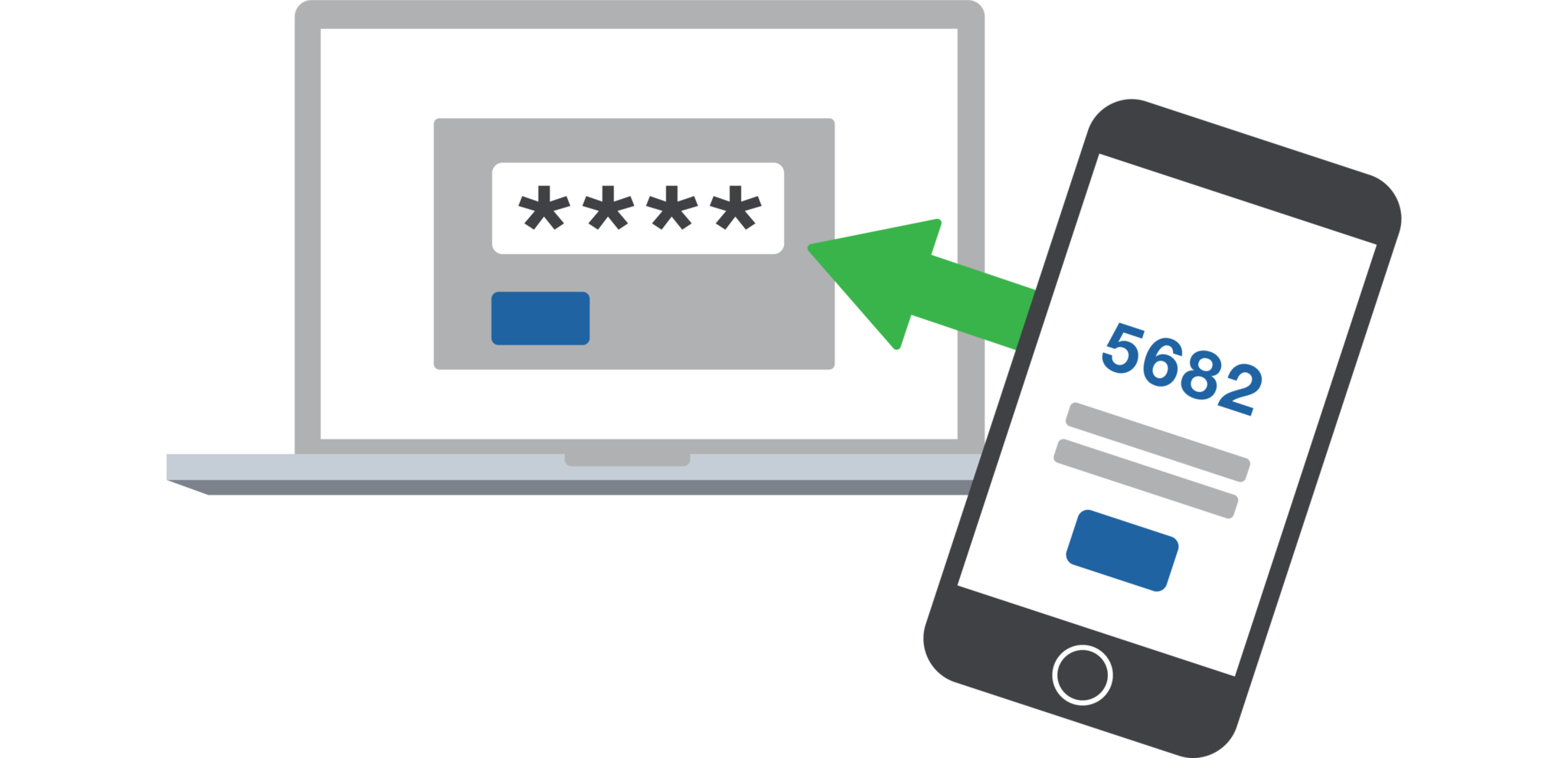
To keep your account secure, you can enable two-step verification. This adds a second login step for extra protection.
Authenticator App verification
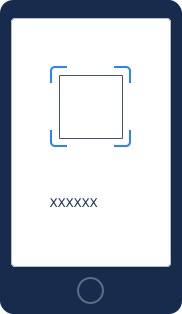
1. Scan this QR code with your verification app
Once your app reads the QR code, you'll receive a 6-digit code.

2. Enter the 6 digit code here
Enter the code from the app below. Once connected, we’ll remember your device so you can use it for future logins.
Continue with two-step verification
Open the verification app on your phone to get your verification code.
Recover your account
We'll send instructions to to help you regain access to your account. Please note that this process may take some time.